Top 10 Best Employee Monitoring Software for 2025
Explore ten employee monitoring tools and their features to help manage productivity across remote and hybrid teams.
WOWorkStaff360
November 16, 20266 min read


This software is the ultimate hub for offering comprehensive collaboration, task management, and basic employee monitoring options.
Pros: Easy-to-use
Cons: Limited employee monitoring
Pros: Perfect for project and task management
Cons: Limited features
Key Features:
- Provides task assignments and to-do lists
- Centralized communication
- Automatic Check-ins
10. TimelyEver since remote and hybrid work was introduced to work norms, employers have found it difficult to measure employee productivity and accountability. Consequently, with advanced features like time management, collaboration, and productivity, employee monitoring tools have also evolved. This change has proactively made things easier for employers struggling with the success and growth of the company.
This blog will outline the top 10 employee monitoring software for 2025, highlighting their key features, pros and cons, and suitability.
Please note that the order by which the software is shown is not an actual ranking of them.
1. Hubstaff
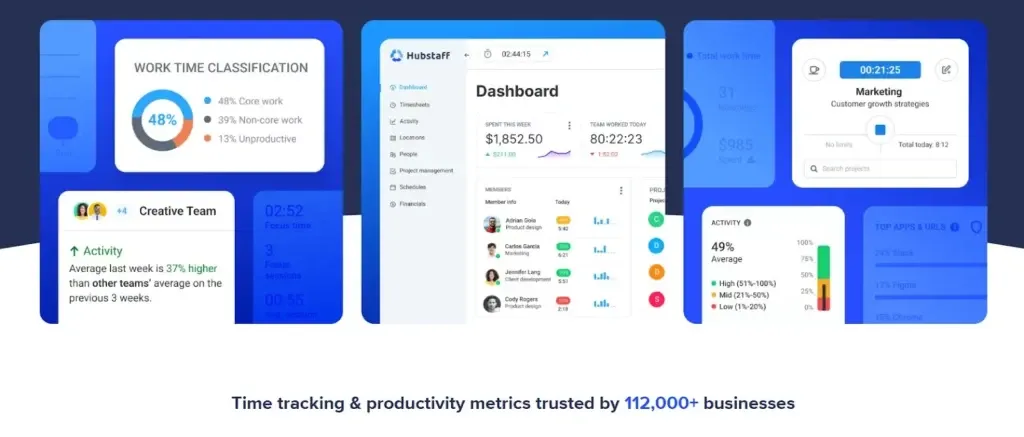
Hubstaff is best for productivity. It combines time tracking with strong reporting features. Furthermore, it allows automating payroll using time-tracked hours and helps you use over 30 different tools such as Asana, Trello, and Slack.
Pros: Easy to use.
Cons: Not enough tracking features
Pros: Offers more than 20 tools
Cons: Offline tracking unavailable
Key Features
- GPS Tracking: This feature comes in handy for delivery drivers and field teams, where employers can use this feature to monitor driver routes and reduce idle time.
- App & URL Monitoring: It tracks which apps and websites employees use during work hours to ensure they are being productive.
- Screenshot Monitoring: Timed screenshots show what employees are working on but to an extent, that does not fall under privacy breach.
2. Time Doctor
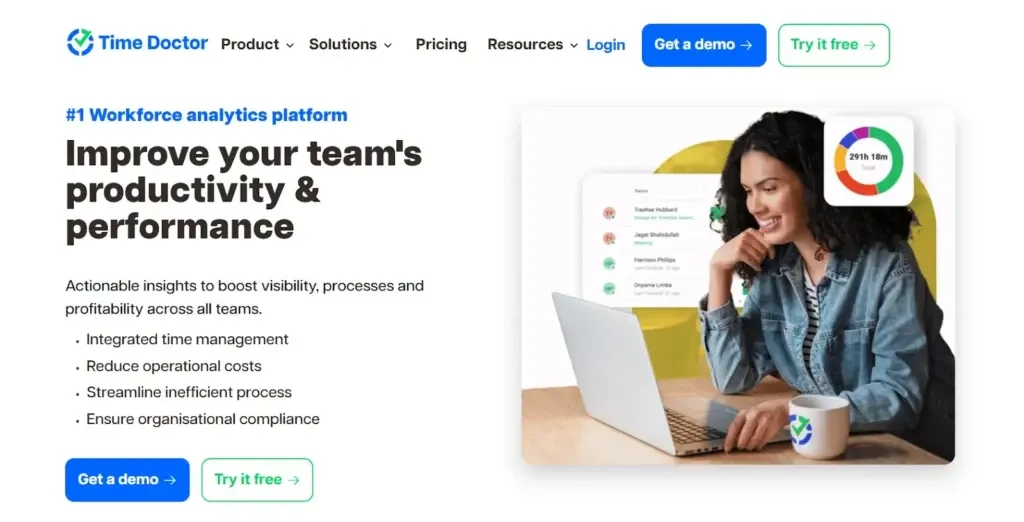
This software is best for minimizing distractions. If employees are surfing on websites for entertainment purposes during work hours, Time Doctor can track the activity and employers can take action based on the insights.
Pros: Significantly boosts team productivity
Cons: Fear of micromanagement
Pros: Flexible prices based on team size
Cons: Internet connection at all times
Key Features
- Workday Analytics: The feature provides graphical representations of the time employees have taken between productive and unproductive tasks.
- Distraction Alerts: A cool feature that sets reminders for employees when they spend too much time on websites or apps that are not part of their work.
- Integration With Tools: Time Doctor allows users to successfully integrate apps such as Trello and Slack that promote time management, collaboration, and task delegation.
3. ActivTrak
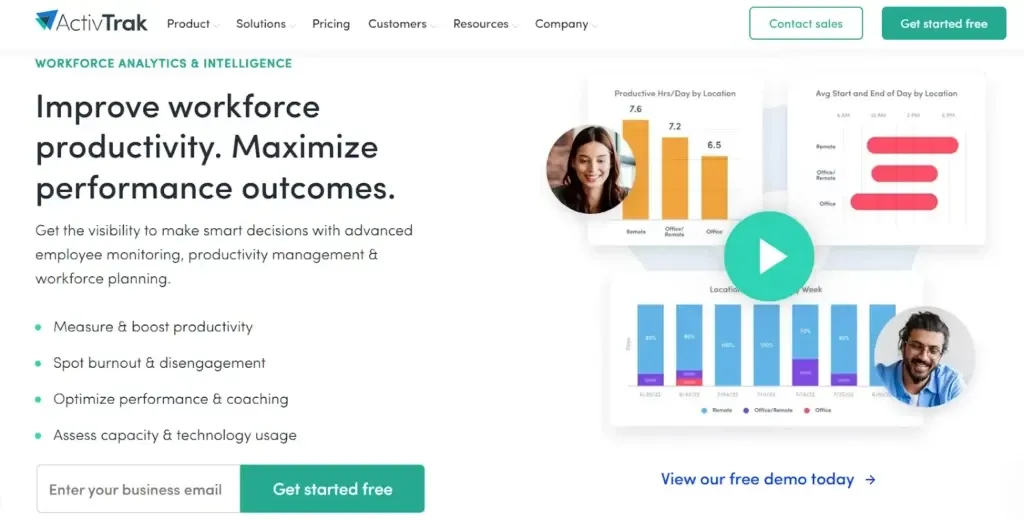
This is the perfect software for employees seeking valuable insights related to their productivity and also allows managers to provide relevant feedback. ActivTrak uses behavior analytics to help improve performance and helps managers see how productive their team is.
Pros: Offers a wide range of tools
Cons: It does not provide offline tracking
Pros: The setup is simple to use and provides good data visualization
Cons: Does not offer tracking on the mobile app
Key Features
- Productivity Charts: It shows the productivity of employees over weeks or months.
- Custom Alerts: Managers are notified if employees visit websites unrelated to work.
- Idle Time Tracking: A very useful feature that tracks the employees’ idle time.
4. Veriato
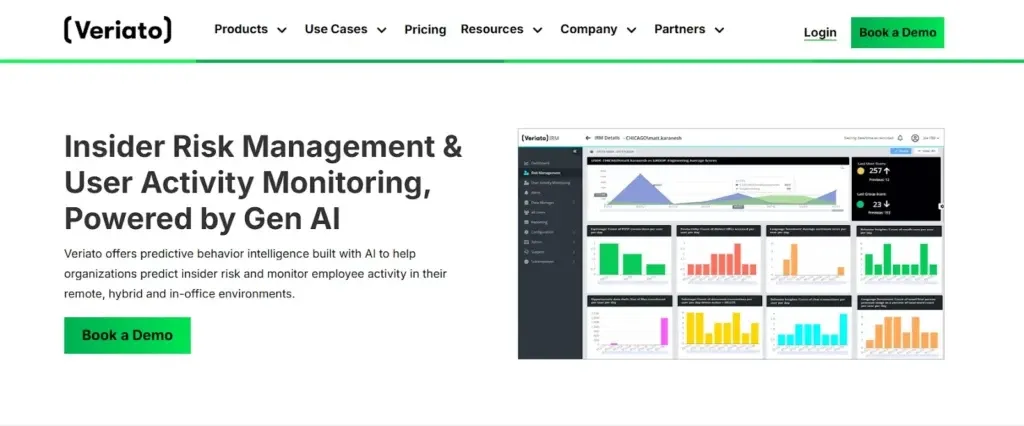
A software integrated with AI that helps employers prioritize security and insider threat management. Veriato tracks employee activity that may fall under fraud and threats.
Pros: Top-of-the-line security features
Cons: Requires software knowledge and training to be used
Pros: Provides screen activity recording and insider threat detection
Cons: High price
Key Features:
- Insider Threat Detection: Sends an alert when employees access restricted files or systems they are not allowed to access.
- Advanced Behaviour Analytics: The integrated AI identifies suspicious actions that differ from normal work routines.
- Screen Activity Recording: Records the screen to review completed tasks.
5. Desklog
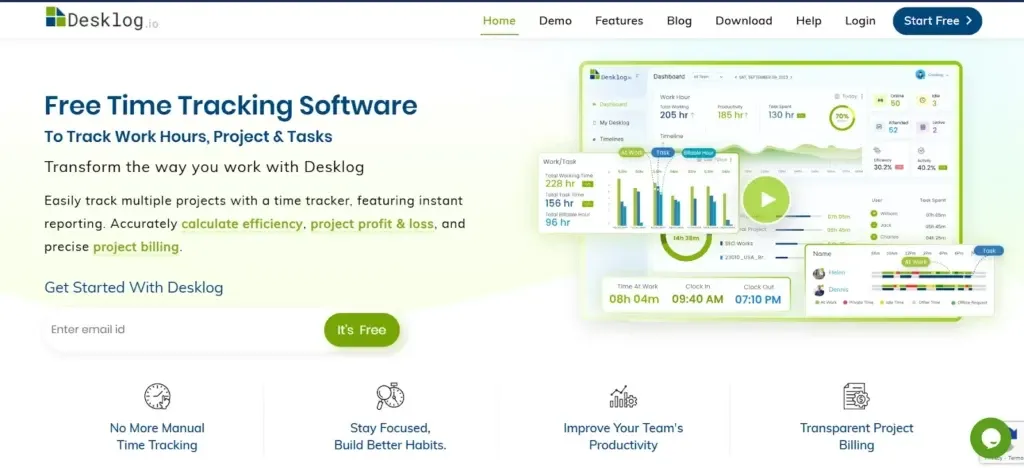
Desklog is a software that works best for project-based and contract-based teams due to its automated project tracking tools.
Pros: Best for freelancers and remote teams
Cons: Limited services
Pros: Affordable prices
Cons: Not recommended for big companies
Key Features:
- Automate Time logs: Allows a recording of worked hours without the use of manual entry.
- Task Management: Allows managers to assign and monitor tasks instantly.
- Break Monitoring: Offers a comparison of hours worked and idle breaks taken.
6. Clockify
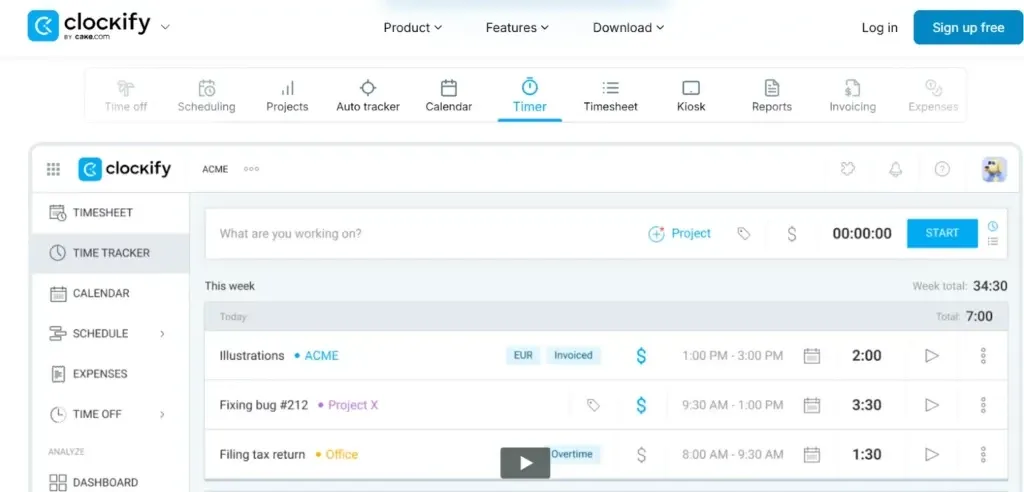
Recommended for startups and small companies that require basic time-tracking tools. Clockify is free to use and is popular due to its simple interface.
Pros: Beginners can use it easily
Cons: Basic analytics for larger team sizes
Pros: Free plan offers unlimited users
Cons: Does not offer security features
Key Features:
- Unlimited Users
- Manual and Automatic Time Entries
- Summary Reports
7. Toggl Track
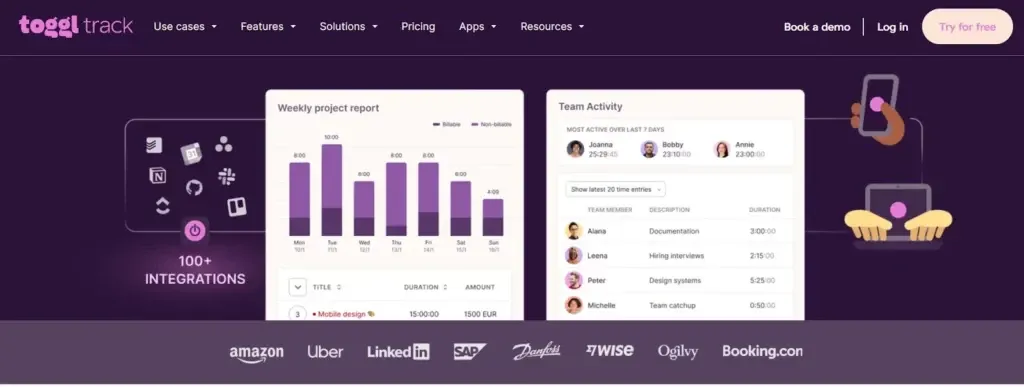
This software is designed to be user-friendly and offers a free time-tracking experience. Toggl Track is recommended for agencies, freelancers, or small businesses that need to monitor billable hours without paying high prices.
Pros: User-friendly
Cons: Limited features
Pros: Perfect for billing clients
Cons: Does not offer activity tracking or screenshots
Key Features:
- One-Click Time Tracking
- Tracks Billable hours accurately
- Tracks Projects
8. Insightful
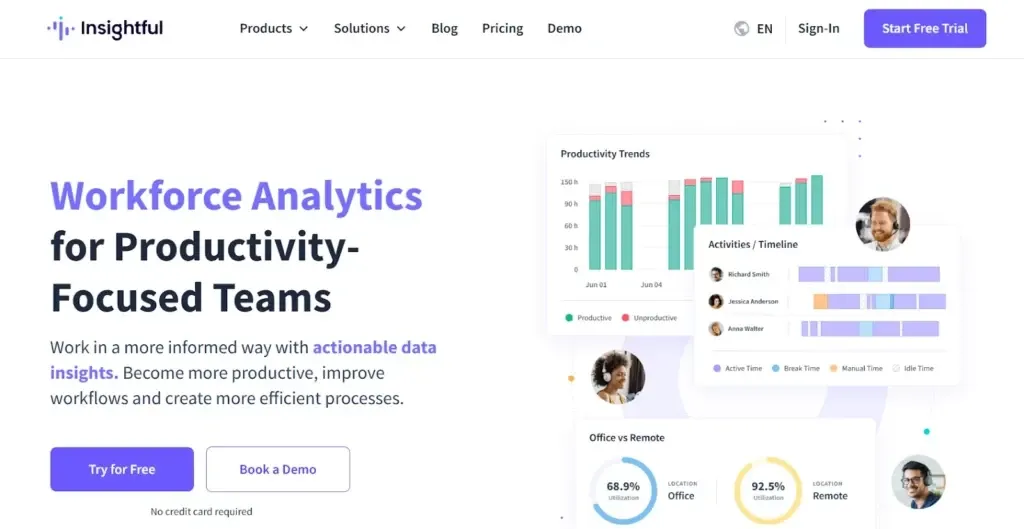
This software is recommended for employers that need a comprehensive solution with stealth mode monitoring. Insightful provides subtle monitoring, which is perfect for companies needing to maintain productivity without disrupting employees’ daily tasks.
Pros: Perfect for sensitive work environments
Cons: Hidden monitoring
Pros: A comprehensive performance reporting system
Cons: Invasive for employees
Key Features:
- Stealth Mode Monitoring
- Operational Efficiency
- Graphical representation by tracking productivity
9. Basecamp
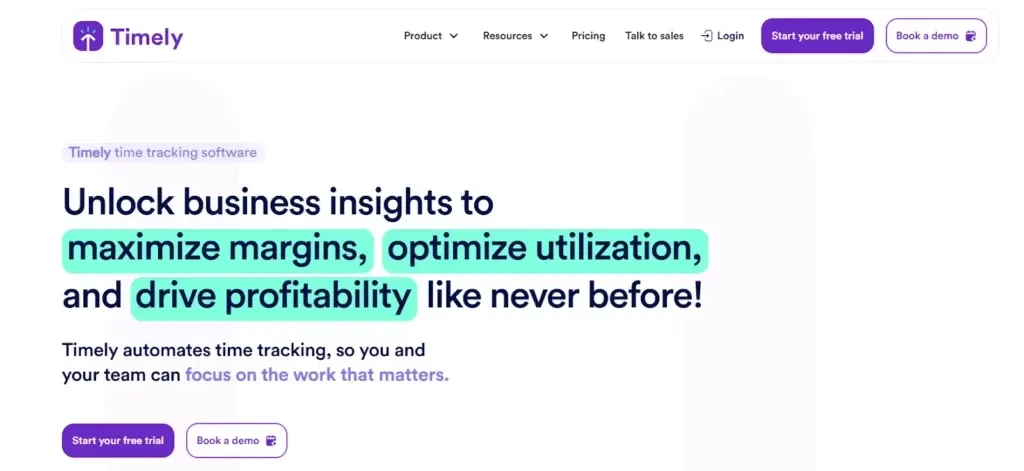
The software is ideal for employers wanting AI-driven time tracking with little manual input. Timely integrates the use of AI to automatically record and sort time, ultimately helping teams to manage their productivity by minimizing the need for detailed monitoring.
Pros: Automated time tracking
Cons: High cost
Pros: Supports AI learning
Cons: Lacks detailed manual inputs
Key Features
- AI-Powered Time Tracking
- Detailed reports for each task
- Offline Tracking
Why Employee Monitoring Software Matters?
Some may see monitoring as invasive, however, these tools are meant to promote transparency and boost efficiency and productivity. The blog has mentioned the best employee monitoring software and does not restrict employers to just these options. Employers can choose software that matches the company's mission, vision, and objectives while maintaining employee trust.
Let A Virtual Assistant Through WorkStaff360 Handle Productivity Monitoring
At WorkStaff360, we understand the struggle of managing remote teams and keeping track of productivity without feeling overwhelmed. That’s why we use top-notch monitoring tools such as Hubstaff and Basecamp to ensure your team is working well and meeting their tasks.
By hiring Personal Virtual Assistants from WorkStaff360, you’ll have a skilled team and advanced monitoring tools, making it easier and more effective to reach your operational efficiency!